
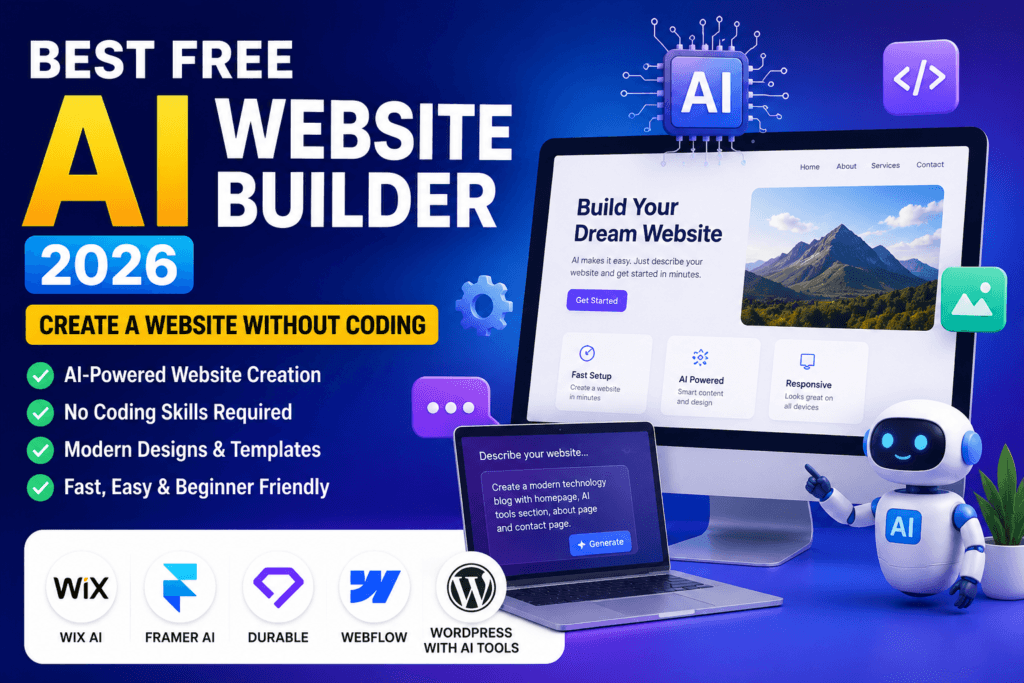
Building a website is easier than ever in 2026. You no longer need advanced coding skills or expensive web developers to create a professional-looking website. With an AI website builder, you can describe the type of website you want, and artificial intelligence can help generate the layout, content sections and design.
If you are searching for the best free AI website builder, there are several platforms you can try without starting with a large budget. However, every AI website builder has different features, limitations and customization options.
In this guide, we will look at some of the best free AI website builders, their main features, advantages and disadvantages, and explain which option may be suitable for beginners, bloggers, businesses and creators.
What Is a Free AI Website Builder?
A free AI website builder is an online tool that uses artificial intelligence to help users create a website with minimal technical knowledge.
Instead of designing every section manually, you can provide a simple description of your website. The AI can then create a starting design based on your instructions.
For example, you could enter a prompt such as:
“Create a modern technology blog with a homepage, AI tools section, About page and Contact page.”
The AI may generate a basic website structure that you can edit and customize.
This makes AI website builders useful for beginners, small businesses, freelancers, bloggers and anyone who wants to create a website quickly.
Best Free AI Website Builder in 2026
There is no single AI website builder that is perfect for everyone. The best choice depends on your requirements.
Some popular options include Wix AI, Framer AI, Durable, Webflow and WordPress with AI-powered tools.
Each platform has different strengths, so it is important to understand what you actually need before choosing one.
1. Wix AI
Wix AI is one of the best free AI website builder options for beginners who want to create a website without coding.
Wix AI is one of the easiest options for beginners who want to create a website without coding.
You can describe your website idea and use AI to generate an initial website. After that, you can customize the design, text, images, sections and other elements.
Wix AI Features
• AI-assisted website creation
• Drag-and-drop editing
• Mobile-friendly designs
• SEO tools
• Business website features
• AI content assistance
• Templates and design options
• No advanced coding required
Wix is particularly useful for beginners who want to create a small business website, portfolio, service website or personal website.
Who Should Use Wix AI?
Wix AI can be a good option for:
• Beginners
• Small businesses
• Freelancers
• Service providers
• Portfolio websites
• Personal websites
The free option is useful for testing the platform, although advanced features and a custom domain may require a paid plan.
Wix AI is one of the easiest options for beginners who want to create a website without coding. Official Wix AI Website:Wix AI Website Builder
2. Framer AI
Framer AI is another best free AI website builder option for users who want modern and visually attractive websites.
Framer AI is another popular option for people who want to create modern and visually attractive websites.
The platform allows users to start with an AI-generated website and then modify the design using its visual editor.
Framer is particularly useful for landing pages, startup websites, portfolios and creative projects.
Framer AI Features
• AI website generation
• Modern website designs
• Responsive layouts
• Visual editing
• CMS features
• SEO controls
• Analytics
• Managed hosting
One of the main advantages of Framer is its modern design approach.
If website appearance is important to you, Framer can be an interesting alternative to traditional website builders.
Framer AI is another popular option for people who want to create modern and visually attractive websites. Framer AI Website Builder
3. Durable AI Website Builder
Durable focuses on helping users create websites quickly, especially for small businesses and service providers.
You can provide information about your business and allow AI to generate a basic website.
Durable can be useful for:
• Freelancers
• Consultants
• Local businesses
• Agencies
• Service providers
The biggest advantage is speed. Instead of spending hours creating the first version of your website, you can use AI to generate a starting point and then edit it.
However, you should check the current pricing and free-plan limitations before choosing it for a long-term project.
4. Webflow
Webflow is better suited to users who want more control over website design and structure.
It has a higher learning curve compared with beginner-focused AI website builders, but it can provide more flexibility for advanced users.
Webflow may be suitable for:
• Professional designers
• Web designers
• Agencies
• Advanced website creators
• Custom marketing websites
If you are completely new to website building, Wix or another beginner-friendly platform may be easier to start with.
5. WordPress With AI Tools
For bloggers and content creators, WordPress is another powerful option.
Instead of relying entirely on an AI website builder, you can use WordPress with AI-powered plugins and tools.
AI can help with:
• Content ideas
• Article outlines
• SEO optimization
• Meta descriptions
• Image creation
• Internal linking ideas
• Content editing
• Keyword research
The biggest advantage of WordPress is flexibility.
You can change themes, install plugins, connect analytics tools and customize your website as it grows.
For a long-term blog or content website, WordPress can therefore be a better choice than a simple AI website generator.
What Should You Look for in the Best Free AI Website Builder?
Choosing an AI website builder only because it can create a website quickly is not enough.
You should also check several important features.
1. SEO Features
SEO is important if you want your website to receive visitors from search engines.
A good website builder should allow you to manage important SEO elements such as:
• SEO title
• Meta description
• URL
• Headings
• Image alt text
• Sitemap
• Indexing settings
• Canonical settings
AI can help create the website, but you still need to optimize it properly for search engines.
2. Mobile Responsiveness
A large number of website visitors use smartphones.
Therefore, your website should work properly on:
• Mobile phones
• Tablets
• Desktop computers
Always check your website on different screen sizes before publishing it.
3. Customization Options
The AI-generated website should be treated as a starting point.
You should be able to modify:
• Colors
• Fonts
• Images
• Text
• Buttons
• Navigation
• Sections
• Page layout
A good AI website builder should give you enough control to make the website your own.
4. Website Speed
Website speed is important for user experience.
Avoid using unnecessarily large images, excessive animations and too many scripts.
A simple and fast website can often provide a better experience than a website overloaded with unnecessary visual effects.
5. Content Quality
AI-generated content should not simply be copied and published without checking it.
Before publishing an article, review the information and add your own value.
You can include:
• Personal explanations
• Practical examples
• Screenshots
• Testing results
• Pros and cons
• Real-world observations
• Updated information
This can make your content more useful and less generic.
Is a Free AI Website Builder Really Free?
This is an important question for beginners.
Many website builders offer free plans, but free plans may have certain limitations.
For example, a free plan may restrict:
• Custom domains
• Storage
• Advanced SEO features
• Ecommerce features
• AI usage
• Analytics
• Platform branding
Therefore, always check what is actually included in the free plan.
There is a difference between being able to create a website for free and being able to operate a professional website completely for free.
How to Build a Website Using AI
Creating a website with AI is usually straightforward.
Step 1: Decide What You Want to Build
First decide the purpose of your website.
It could be:
• Blog
• Portfolio
• Business website
• Landing page
• Online store
• Personal website
Step 2: Write a Detailed AI Prompt
Instead of simply writing “Create a website,” provide more information.
For example:
“Create a modern technology blog website for beginners. Include Home, Technology, AI Tools, About and Contact pages. Use a clean, mobile-friendly layout with simple navigation and clear content sections.”
A detailed prompt gives the AI more information about your requirements.
Step 3: Review the Generated Website
Do not publish the AI-generated website immediately.
Check:
• Content accuracy
• Images
• Navigation
• Links
• Mobile design
• Contact information
• Spelling
• Page structure
Step 4: Optimize the Website for SEO
Add your target keyword naturally to the important parts of your page.
For example, if your focus keyword is “best free AI website builder”, you can use it in the SEO title, introduction, URL, relevant heading and meta description.
However, avoid repeating the keyword unnecessarily.
Natural writing is more important than keyword stuffing.
Step 5: Add Original Information
This is one of the most important steps.
Instead of publishing only AI-generated information, add your own explanation, screenshots, examples and testing experience.
For example, you could explain how the website looked before customization and what changes you made after testing it on mobile and desktop.
This can make your article more useful to readers.
Free AI Website Builder vs Traditional Website Builder
AI website builders and traditional website builders both have advantages.
AI website builders can create the initial website much faster.
Traditional website builders generally require more manual work but may give you more control depending on the platform.
AI Website Builder Advantages
• Faster setup
• Beginner friendly
• No coding required in many cases
• AI-generated layouts
• Faster content creation
• Useful for testing ideas
Traditional Website Builder Advantages
• More manual control
• Greater customization on some platforms
• Easier to understand the exact structure
• Suitable for users who want complete design control
For beginners, an AI website builder can be a convenient way to get started.
Pros and Cons of Free AI Website Builders
Pros
• Easy for beginners
• Fast website creation
• No advanced coding knowledge required
• AI-generated designs
• Useful for testing website ideas
• Can reduce initial development time
Cons
• Free plans may have limitations
• Custom domains may require payment
• AI-generated content can sound generic
• Generated designs may require manual editing
• Advanced SEO features may be restricted
• Moving your website to another platform may not always be easy
Which Is the Best Free AI Website Builder in 2026?
The best free AI website builder depends on your website type, budget, SEO requirements and the level of customization you need.
The answer depends on what you want to create.
If you are a beginner looking for an easy platform, Wix AI is a strong option.
If you want a modern and visually attractive website, Framer AI is worth considering.
If you want to create a basic business website quickly, Durable can be useful.
If you are an advanced designer, Webflow provides more control.
If your main goal is blogging and long-term SEO, WordPress with suitable AI and SEO tools can be a powerful choice.
Quick Recommendation
Best for beginners: Wix AI
Best for modern design: Framer AI
Best for quick business websites: Durable
Best for advanced design: Webflow
Best for blogging and SEO: WordPress with AI tools
Final Verdict
Choosing the best free AI website builder can save time and make it easier to create a professional website without advanced coding skills.
The best free AI website builder is not necessarily the platform that creates a website in the shortest amount of time.
A better choice is a platform that gives you enough control over design, content, SEO, mobile performance and future growth.
AI can create the first version of a website quickly, but you should still review and improve everything before publishing.
Check the content, optimize the SEO settings, test the website on mobile and desktop, improve the design and add your own useful information.
For beginners, Wix AI can be a simple place to start. For modern designs, Framer AI is worth considering. For bloggers who want long-term control over their content and SEO, WordPress can be a more flexible solution.
Ultimately, AI can help you build a website faster, but your original content, useful information and SEO strategy are what can help your website stand out.
If you are starting a new website, the best free AI website builder can give you a simple and affordable way to get started.
If you are also interested in using AI tools for online income, you can learn more about how to earn money using AI tools in 2026.
If you are new to AI, you can also read our guide to the best free AI tools in 2026 before choosing a tool. Click